Work as a team
Here’s a quick guide on inviting team members to collaborate, comment, and schedule posts in DigiMe:
-
Log in to DigiMe: After logging in, click on the settings icon in the top right corner.

-
Access Team Member Settings: In the profile settings, scroll down to the Team Members section.
-
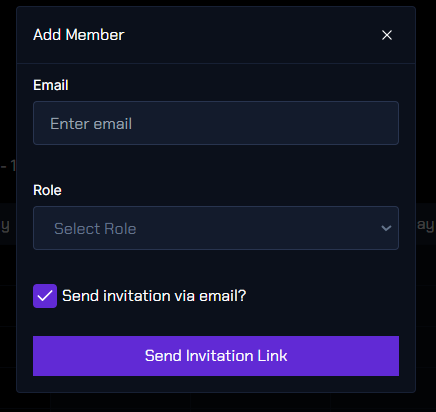
Add a Team Member: Select Add Another Member, enter the member's details such as their email and role, and send them the invitation link.

-
Impersonating a User: As an organization admin, to post on behalf of another user, select their details from the list of users in your organization. This will switch you to impersonating mode, allowing you to create and post content as that user.