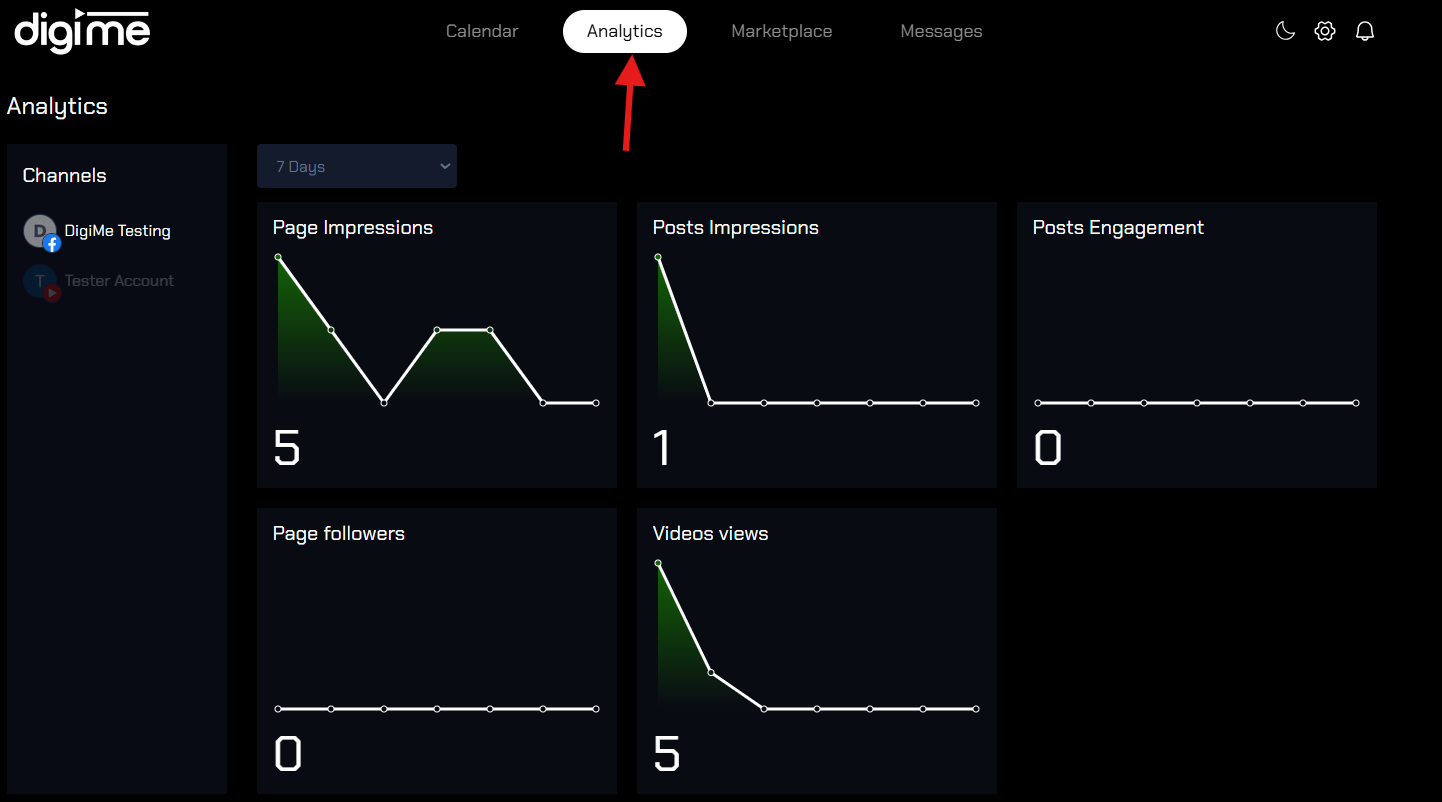
Track your post analytics
Here’s how to track the analytics of your posts on DigiMe:
- Log into DigiMe: After logging in, go to the “Analytics” section on the dashboard, usually accessible from the main menu.

- Select Social Accounts: Choose the specific social media account or platform you want to review analytics for (e.g., Instagram, Facebook).

- Choose Date Range: Set a date range to view metrics for a specific period, such as last week, last month etc.

- View Key Metrics: DigiMe provides insights like engagement rate, likes, comments, shares, impressions, and follower growth.